

Specialized LG Appliance Repair in San Francisco
Mon–Sat: 8:00 AM – 7:00 PM
Touch keys that ignore your finger, beep without heating or switch on by themselves usually point to moisture, a lock setting or a failing control board.
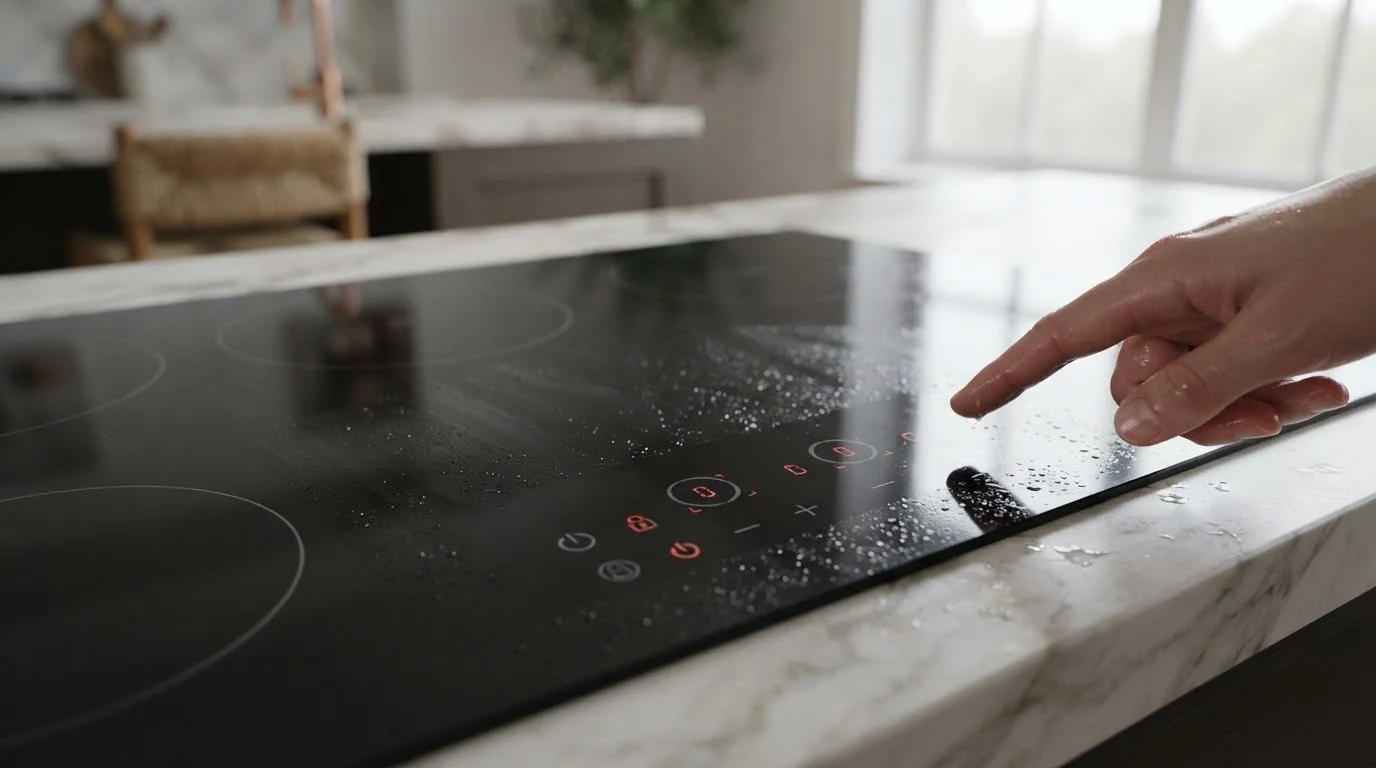
Most LG cooktops use touch keys under the glass or in a printed strip along the front edge. They measure tiny changes in electrical charge when a finger lands on the symbol. That makes them handy to wipe clean, but it also makes them easy to confuse. A film of grease, a splash of water, a wet dish towel or a finger with lotion can all change what the sensor sees.
The problem tends to surface after a big cooking day or a thorough cleaning. A household with a cat that walks across the cooktop, or with children who press every symbol, will also meet this issue more than a quiet home will.
Different symptoms point to different parts of the system. Keys that do nothing at all, with the display dark, suggest a power problem. Keys that beep but do not start a zone suggest a lock or a safety condition. Keys that react slowly or only at certain spots suggest residue or a failing sensor area. Keys that turn on zones by themselves suggest moisture or a stuck input. Write down which one you see before trying anything else.
Our verified list ties several messages to this symptom. LG cooktop code 4 appears when metal objects or water stay in contact with the touch pads for a prolonged time. LG cooktop code 5 reports an error with the display. LG cooktop code 6 signals low voltage. A cooktop showing the first one is telling you to clear the pads, while the second one suggests a hardware issue.
If steam from a pot of boiling water is drifting across the controls, turn on the hood or pull the pot back before assuming the cooktop is damaged.
Glass controls do not like heavy sprays, thick polishes or damp rags left lying on the surface. Product that dries in a film leaves a coating over each symbol, and the sensor beneath has to read through it. A soft cloth, a little plain water and a dry buff afterward keep the sensing area honest. If you cook with a lot of oil, wipe the front edge after each session instead of saving it for a big monthly clean, because splatter that sits for days hardens and holds moisture against the keys.
Households with small children or pets often discover that a protective cover or a simple habit of locking the controls when not cooking prevents accidental starts.
If the problem comes and goes, note the time of day and what you were doing. Controls that fail only while the hood fan runs, or only when a pot is simmering nearby, are reacting to moisture or airflow. Controls that fail after an outage are reacting to power. Those hints separate a cleaning problem from a board problem.
Book a visit when keys turn on zones by themselves, when only some keys respond, when the display is blank after the breaker has been cycled, or when the same code returns after cleaning. A cooktop that switches itself on is a safety concern and should stay powered off at the breaker until it has been inspected. We diagnose before repair, put the estimate in writing and wait for your approval.
Share your model label if you can find it. On many cooktops it is on the underside, so a photo from the original installation, or the paperwork, saves effort. Our LG cooktop repair service handles gas, electric and induction units, and the LG Cooktops guide lists the types. For electric examples, see the LG LCE3610SBE repair page, and for cooktops that shut off while cooking, read about LG induction cooktop shuts off.
A clean, dry surface lets the sensor read your finger clearly. Residue and moisture blur that signal. Wiping removes the interference rather than repairing anything.
Yes. Paws and noses can register as touches, which is why a cooktop that switches on while nobody is home needs to be turned off at the breaker.
No. It is a safety feature that you can usually clear with a press-and-hold of a marked key. Check your manual for the exact method.
Gas cooktops mostly use knobs. Touch controls are more common on electric and induction units, so the symptoms described here belong to those types.
A clear description of the symptom, any code on the display, and whether the problem began after cleaning, spills or a power interruption.
Share a few details and we’ll confirm an appointment. Prefer to talk? Call us and we’ll help right away.