

Specialized LG Appliance Repair in San Francisco
Mon–Sat: 8:00 AM – 7:00 PM
A glass plate that sits still while the microwave runs leaves food hot at the edges and cold in the middle. Most causes are simple and worth checking first.
The rotating plate in a microwave spreads food through the cavity so the energy reaches every side over time. When it stops turning, the heating becomes patchy: a bowl of soup gets a hot rim and a cool center, a plate of leftovers has frozen spots next to scalded ones. The microwave still runs, which tempts people to put up with it, but uneven heating is a good reason to find the cause.
Over-the-range microwaves, the type many San Francisco kitchens use above a gas range, also catch cooking vapor and grease. That film settles on the floor of the cavity and around the turntable parts, and it is one of the quiet reasons these plates start to stick.
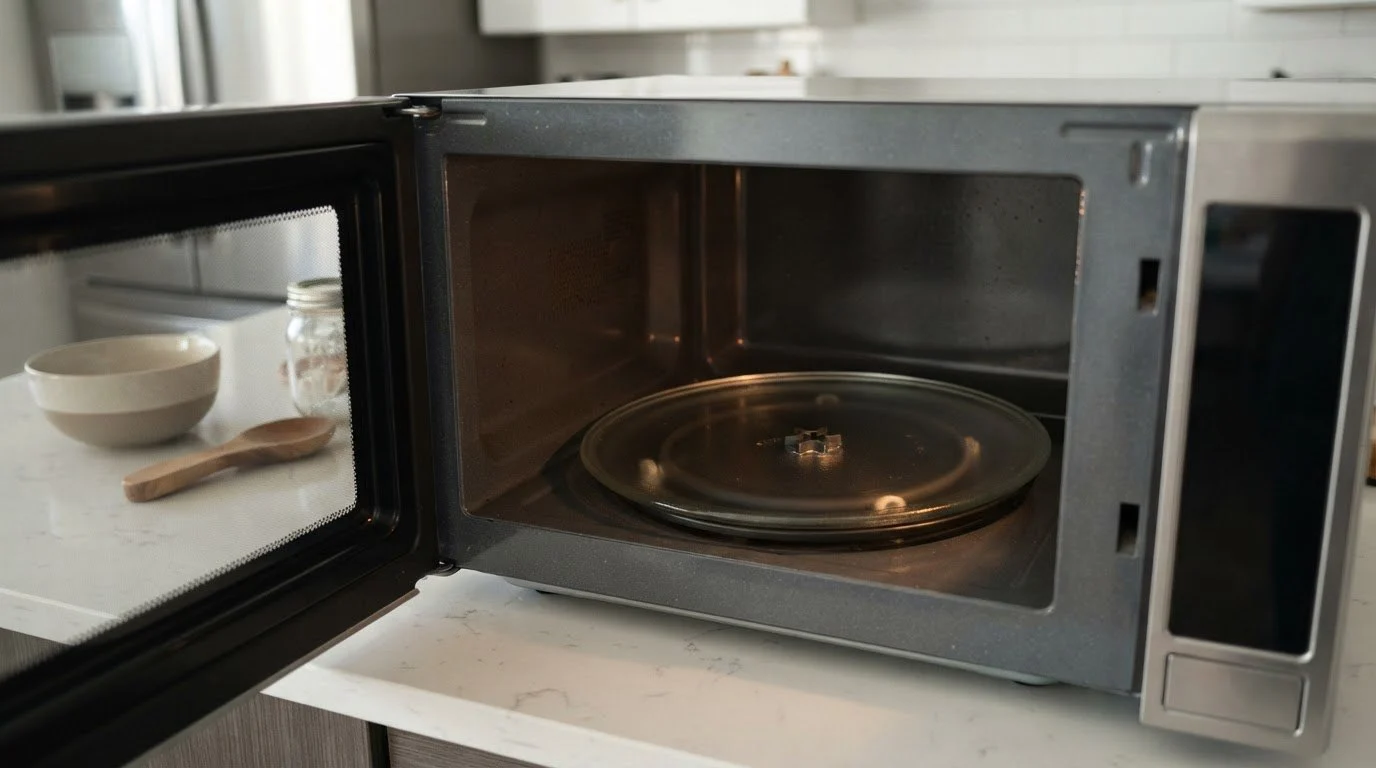
Three pieces carry the plate. A small motor shaft under the floor of the cavity pokes up through a hole. A coupler sits on that shaft and has a shaped top. The glass plate rests on a roller ring, and its underside has a recess that fits the coupler. When the motor turns, the coupler turns, the plate turns with it, and the rollers keep it level. If any piece is missing, worn, dirty, or out of place, the plate stays still or wobbles.
Always use only a small amount of water, never run the microwave empty, and keep metal out of the cavity. If the cavity door will not close properly or the touch pad misbehaves, stop and read on.
A microwave rarely announces a turntable fault with a code. The one message to know is LG microwave F3, which refers to foreign substances around the touch button panel. It is not about the plate, but if both the plate and the keypad act up, it can suggest a bigger electronics concern, and it helps to tell us about it.
An over-the-range microwave sits in the path of steam and cooking vapor. Over months, grease carries into the cavity and builds a sticky layer on the floor and on the roller track. The rollers then drag instead of rolling, the coupler loses its grip, and the plate slows or stops. Wiping the track regularly and washing the ring with the plate keeps the parts moving. If the ring has been bent or has lost a roller, replacing it is a small task that restores a smooth turn.
When you wash the parts, take a quick photo before taking them apart so you remember how the ring and coupler sat. If a part looks warped, discolored or chipped, keep it aside to show the technician, since matching the right replacement to your model is easier with the old piece in hand.
Book a visit if clean, correctly seated parts still do not rotate, if you hear a humming motor with no movement, if the coupler fits loosely and you cannot find a match, or if sparks, a burnt smell or a damaged cavity are present. We diagnose before repair, give a written estimate and only proceed with your approval. Tell us whether your microwave sits above a gas range, because the vent and the mounting affect how we plan the visit.
Your model label is usually inside the cavity wall or along the door frame. LG offers the LG MVEL2033F repair page and the LG MVEL2137D repair page for over-the-range models, and the LG LSMC3086SS repair page for a convection one. For overall coverage, see LG microwave repair and the LG Microwaves guide.
Short, careful use with the plate stopped is possible for oversized dishes, but results are uneven. Stir or turn food by hand and do not rely on it long term.
Not usually. The coupler is a separate small piece. A technician can identify the right one from the model number.
A worn coupler or a weak motor may turn a light load but give up with a heavy one. Weight reveals what a light test hides.
Grinding or clicking often comes from dirt in the roller track or a worn ring. Cleaning helps, and persistent noise deserves a look.
Most owners do, but let the plate cool first. A hot plate plunged into cold water can crack.
Share a few details and we’ll confirm an appointment. Prefer to talk? Call us and we’ll help right away.