

Specialized LG Appliance Repair in San Francisco
Mon–Sat: 8:00 AM – 7:00 PM
A burner that ticks long after it lit, or clicks without lighting at all, is a common gas range complaint. Here is what causes it and what to check safely.
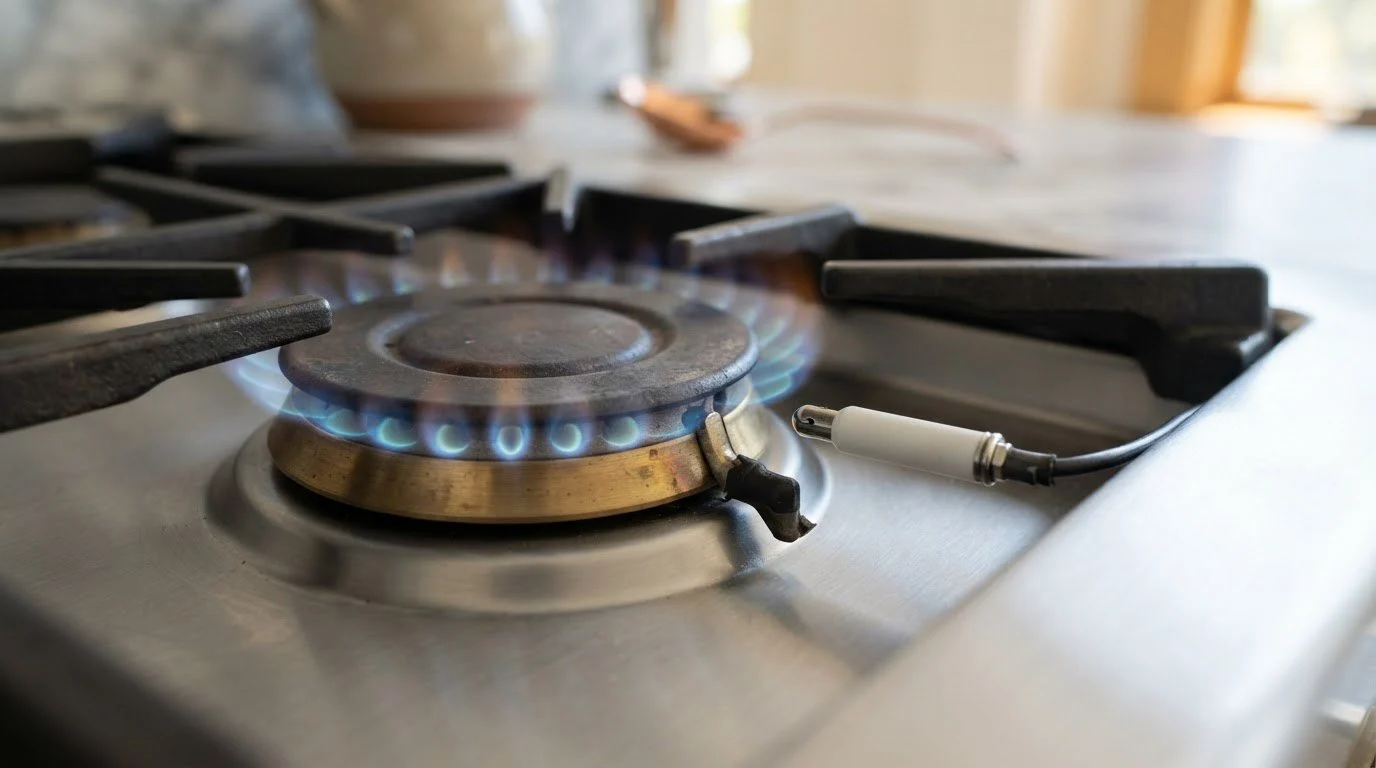
A gas burner lights when a spark ignites the gas that flows through the burner ports. The clicking you hear is that spark repeating until the system senses flame, or until you turn the knob off. If the clicking continues after the burner has lit, or continues without any flame, something is interfering with the spark, the gas path or the burner position.
The complaint is common in San Francisco kitchens, where steam, cooking splatter and fog-damp air all find their way into a cooktop. It also shows up after a deep clean, when a burner cap goes back on a fraction out of place.
Ask yourself which of these you are seeing, because each points to a different cause. First, the burner lights, but the clicking carries on for a long time. Second, the burner lights briefly and then goes out, with clicking resuming. Third, you hear clicking from a burner that is not even turned on. The third scene usually means moisture or a switch that is stuck, while the first two point to a misaligned cap, a dirty electrode or an uneven gas flow.
Gas leaks are never a guessing game. If you smell gas, leave the home immediately, do not touch light switches or phones inside, and call the gas utility or 911 from outside. If you see sparks outside the burner area or smell something burning, switch off power at the breaker. The ignition system runs on household current, and an electrical fault may be the cause.
If the clicking stops after that, the cause was moisture or position. If it persists, a technician must look at the module or the switch, since those require opening the cooktop.
Cooking steam, a steamy dishwasher beside the range and the damp air that drifts through many Bay Area homes all leave a thin layer of moisture on burner parts. A cap that looked dry to the eye can still hold enough water in its seams to keep the spark from finding a clean path. That is why the same burner may click on a foggy morning and behave in the afternoon. Letting parts rest in a warm, ventilated spot instead of drying them with a towel gives a good chance of settling it for good.
Keep a note of which burner clicks and when. If it happens only on one knob, tell us which position on the cooktop it is, front left for example, since each burner has its own electrode and switch. If it started right after you wiped up a boil-over, say so, because spills near the knobs are a frequent trigger.
Book a visit if the clicking continues after cleaning and drying, if the burner lights unevenly or goes out, if several burners click together, or if you notice a smell, a flame that looks yellow or lifted, or scorching on a knob. Technicians check the cap fit, the electrode, the spark module and the gas flow, in that order. We diagnose before repair, provide a written estimate and wait for your approval before starting.
The gas range is the LG LSGL5831F repair model, a slide-in gas range, and gas cooktops are covered under their own guides. For burner and oven coverage see our LG range and oven repair service, and find your range among the LG Ranges and Ovens. The model label is usually under the oven door frame or on a drawer edge.
That burner probably has a wet cap, a dirty electrode or a small piece of debris. Each burner has its own electrode, so one can fail alone.
Not automatically, but unlit burners that click can produce a spark where gas may be present if a knob is partly open. Turn all knobs off, ventilate, and treat any smell as a leak.
Give them a good, patient drying time, preferably a few hours or overnight if the cap was washed. Moisture in the tiny ports is the most common cause of persistent clicking.
If there is no gas smell and the other burners light normally, many owners keep using them. Keep an eye on the clicking burner and avoid leaving it unattended.
Yes. Electronic ignition needs power, so burners may not light during an outage. Do not force one to light with improvised tools.
Share a few details and we’ll confirm an appointment. Prefer to talk? Call us and we’ll help right away.