
VERIFIED
A dE2 (E30 on some displays) means an LG washer found its door shut but could not lock it. For front-load washers and the WashTower the manual names three likely causes: an overloaded drum, items trapped by the rubber gasket, or a bent or broken door latch.
SideKick pedestal washers
Under a SideKick the message points at the drawer, which is down but has not locked. Hearing a noise soon after a cycle begins and then seeing dE2 is the typical pattern. LG gives this order:
- Power the washer down.
- Draw the drawer out to open it.
- Restart the cycle.
- Push the drawer closed with some force.
Front-load washers and the WashTower
Go through the following:
- Inspect the opening for anything that prevents a tight close.
- Reopen the door, then shut it.
- With the machine off and disconnected at the outlet or breaker, keep START/PAUSE pressed for five seconds.
- Put the power back and run it again.
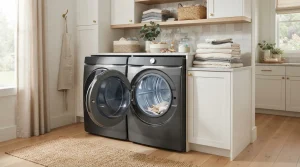
If the code returns, ask for service. For a WashTower LG adds one more tip: shut the door by pushing on the handle’s middle. A latch that is damaged, or a gasket in poor shape, goes to service rather than being fixed by the owner.
Related codes
- dE1: the drawer was not shut all the way
- dE3: the lid or door never latched
- dE: the umbrella door-open family
Washer repair for San Francisco and the Bay Area
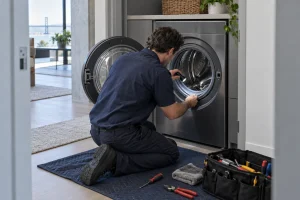
For a dE2 that does not clear, speak to us on (415) 223-7887 about LG washer repair in San Francisco and around the bay. Mention whether the machine is a front-load, a WashTower or a SideKick, and say which reset steps you tried.
Model compatibility: LG reuses codes across series and model years, so dE2 / E30 may mean something different on another appliance or generation. Confirm this against your model’s documentation and record your full model number before acting.